Examples #
Examples live in the engine to demonstrate improvements as they land.
rolling #
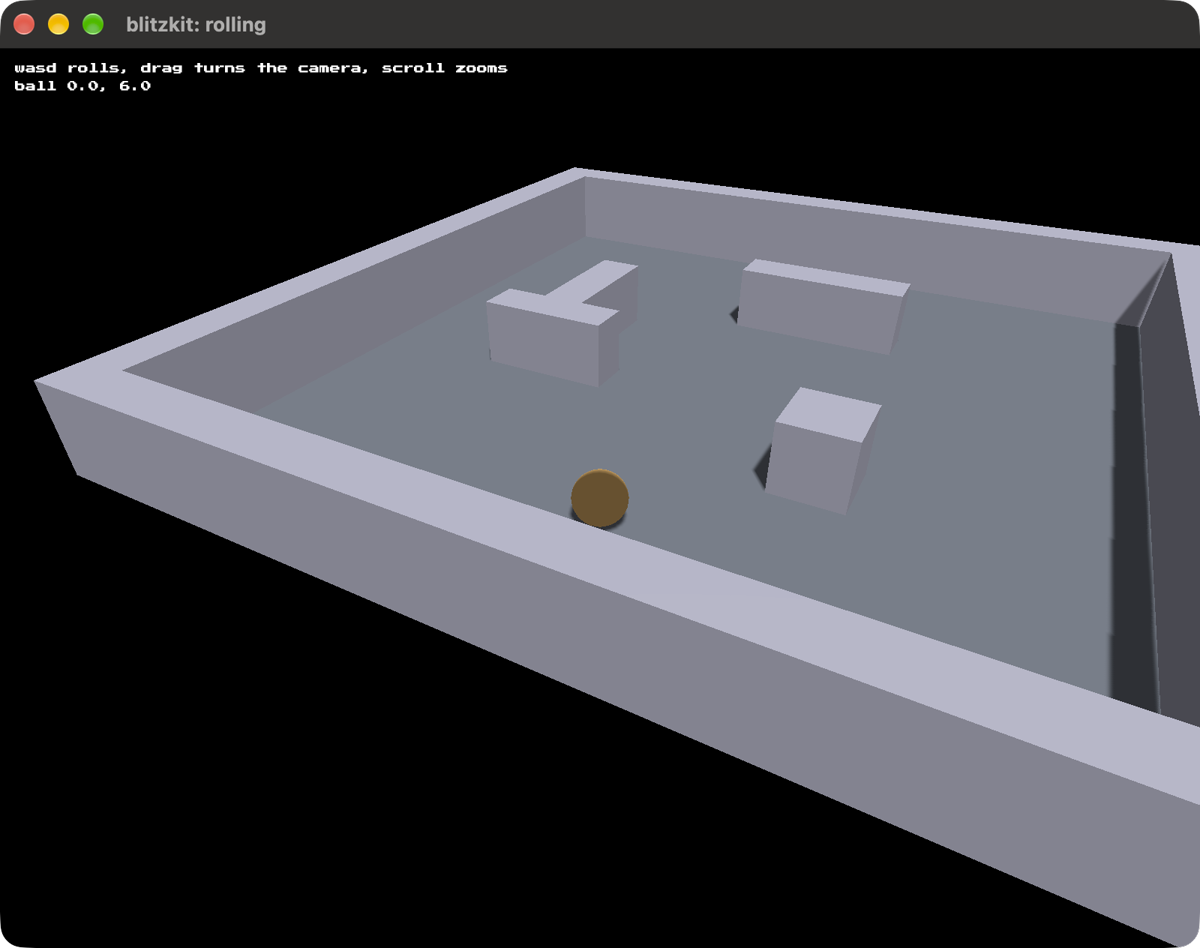
In which collision detection is demonstrated. Roll a ball around a walled room and watch it slide along said walls.
cargo run --release --example rolling
WASD or the arrows to roll the ball. The camera follows it.
- drag or move the mouse to swing the camera round
- scroll to zoom
stacking #
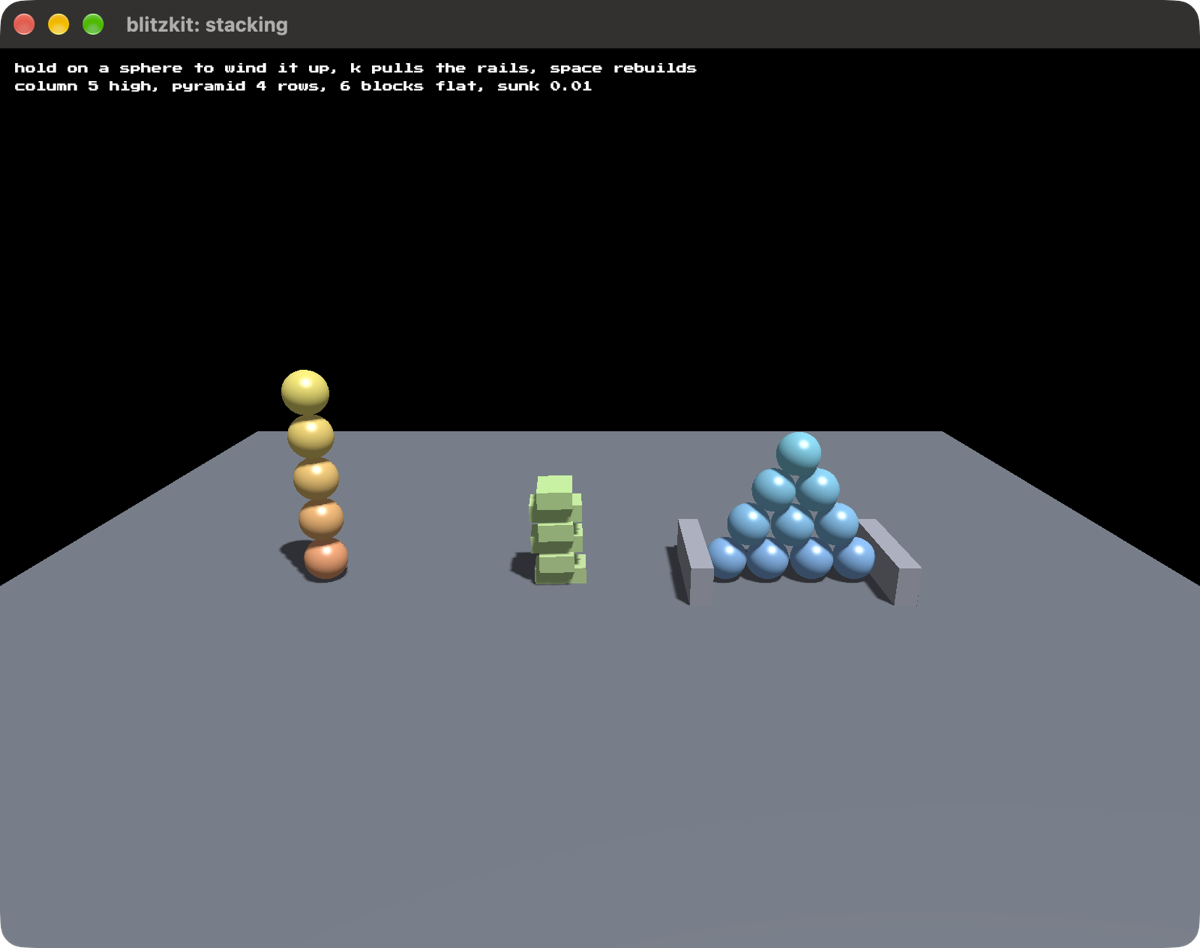
In which bodies hold each other up. A column of spheres five high, a pyramid of them four rows deep, and a heap of blocks landing on their faces, all standing there rather than sinking through, with a readout of how far the lowest one has drifted below where it should rest.
cargo run --release --example stacking
The pyramid has a rail either side of its bottom row. Loose spheres will not hold one up on their own: each ball sitting in a valley shoves the two beneath it apart, and only the floor’s grip resists. Press K to pull the rails and watch four rows slump into two while the column at the far end stands there untouched.
- hold the left button on a sphere to wind it up, let go to shove it away from the camera. It runs to red as it winds, and aim is taken when you let go
- K pulls the rails and puts them back
- space builds it again
- drag with the right button to turn the camera
- scroll to zoom
tower #
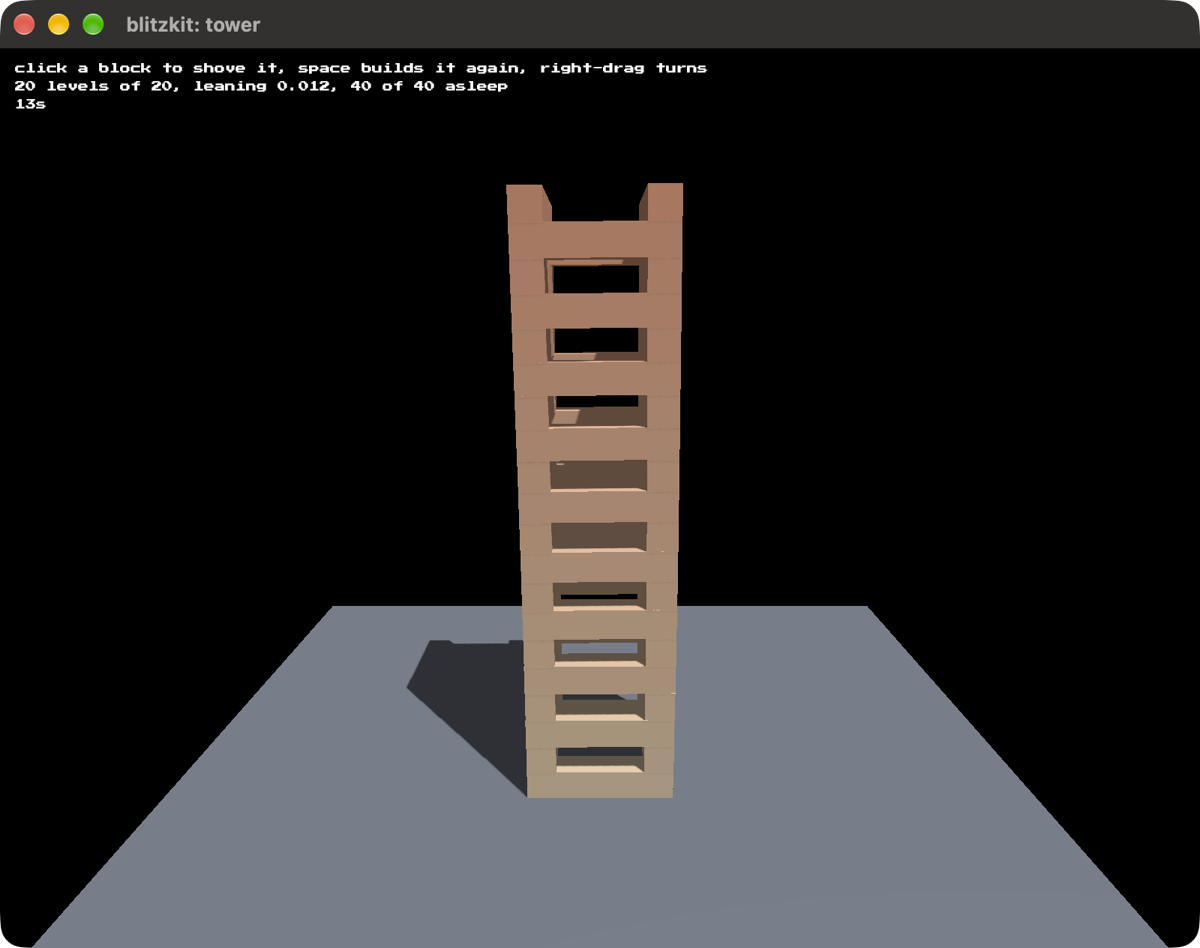
In which forty blocks stand on each other and nothing happens. Cairn’s tower: two blocks a level laid at the outer edges, turned a quarter turn each level, twenty levels of them and hollow all the way up. It settles in about a second and a half, falls asleep, and then costs nothing.
cargo run --release --example tower
- click a block to shove it and find out what was leaning on it
- space builds it again
- drag with the right button to turn the camera
- scroll to zoom
cubes #
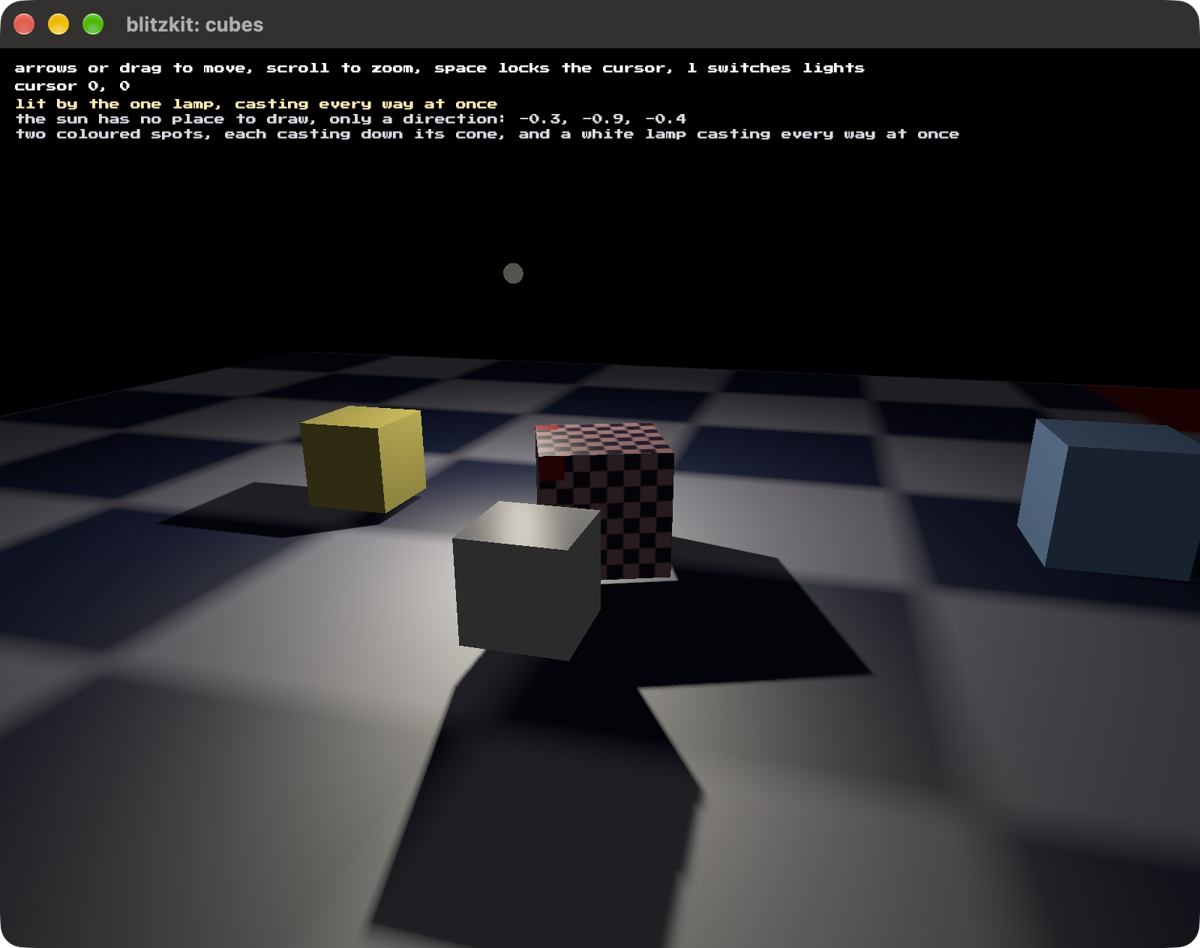
In which the lighting is shown off. There’s a sun, two spotlights moving around, and a lamp. Press L to cycle through the permutations.
The sun is a direction with no position, so there’s nothing to draw for it and turning it off is the only way to see what it was doing. The spotlights cast down their cones. The lamp casts every way at once, which takes six projections instead of one.
cargo run --release --example cubes
The camera orbits on its own, or drag to turn it yourself.
- left and right turn it, up and down raise and lower it
- scroll moves closer
- space locks the cursor
- L switches which lights are on
teapot #
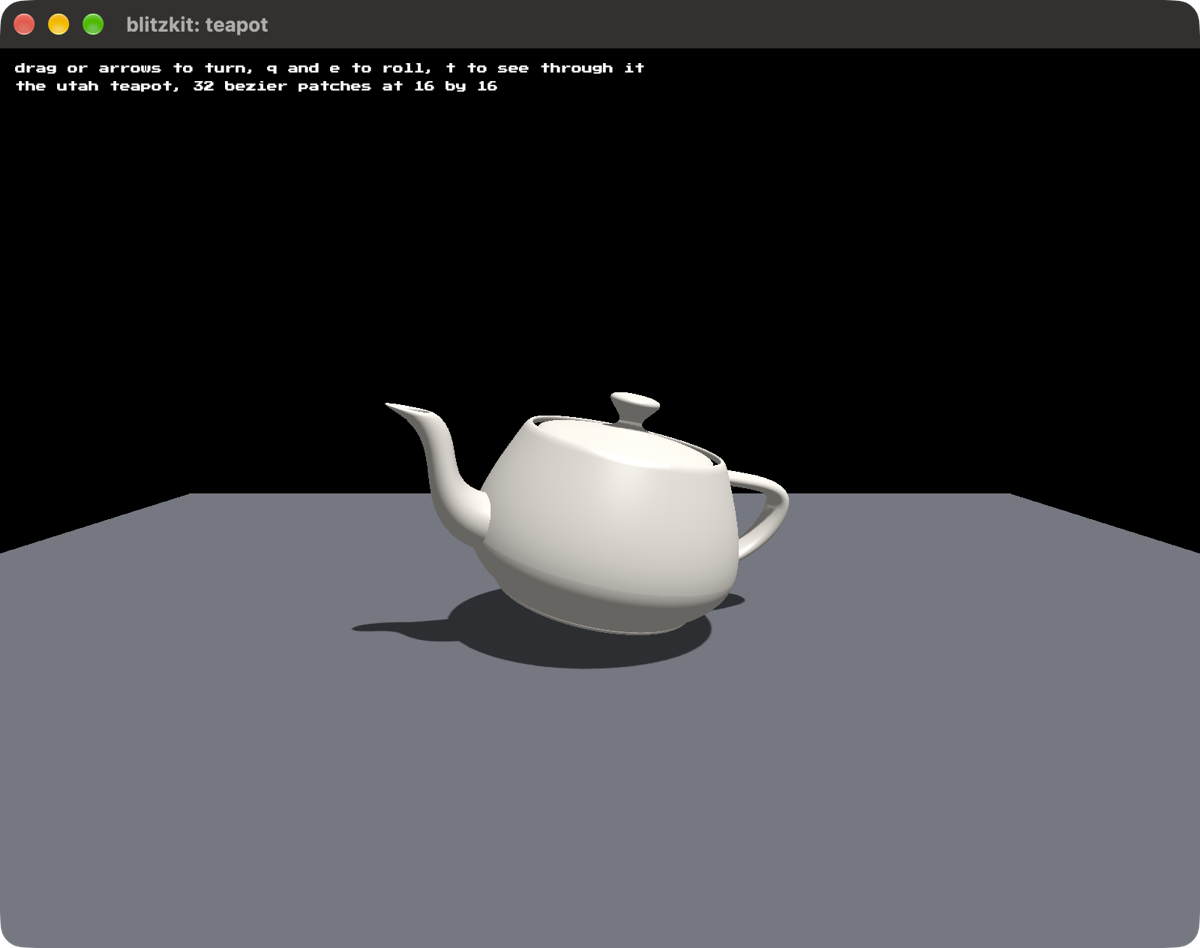
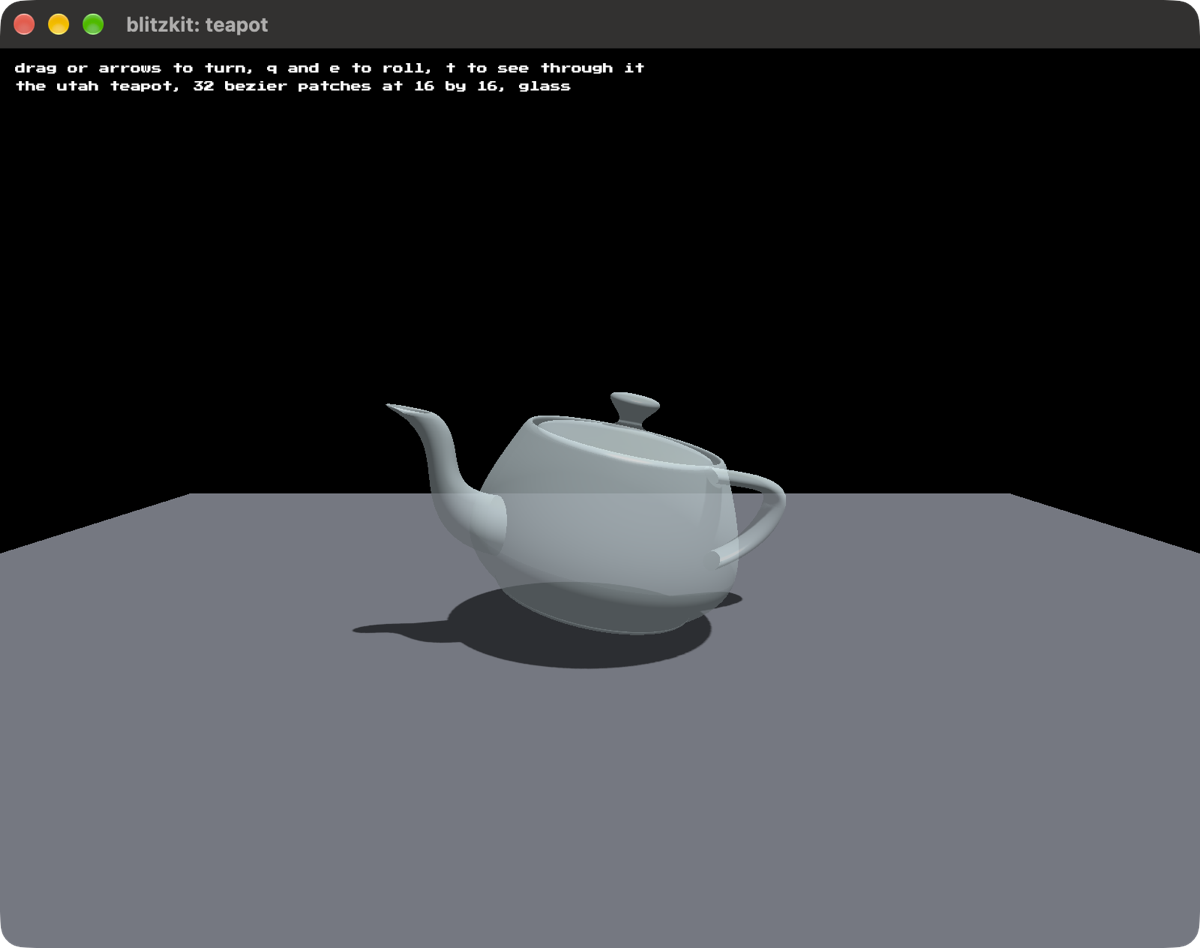
In which the classic Utah teapot is rendered. Built from the points Newell measured off a real one in 1975. 32 Bezier patches, and translucency so you can look inside it.
cargo run --release --example teapot
Drag to turn it, or use the arrows.
- Q and E roll it
- T makes it see-through
- scroll moves closer
- R puts it back
- space locks the cursor
klein #
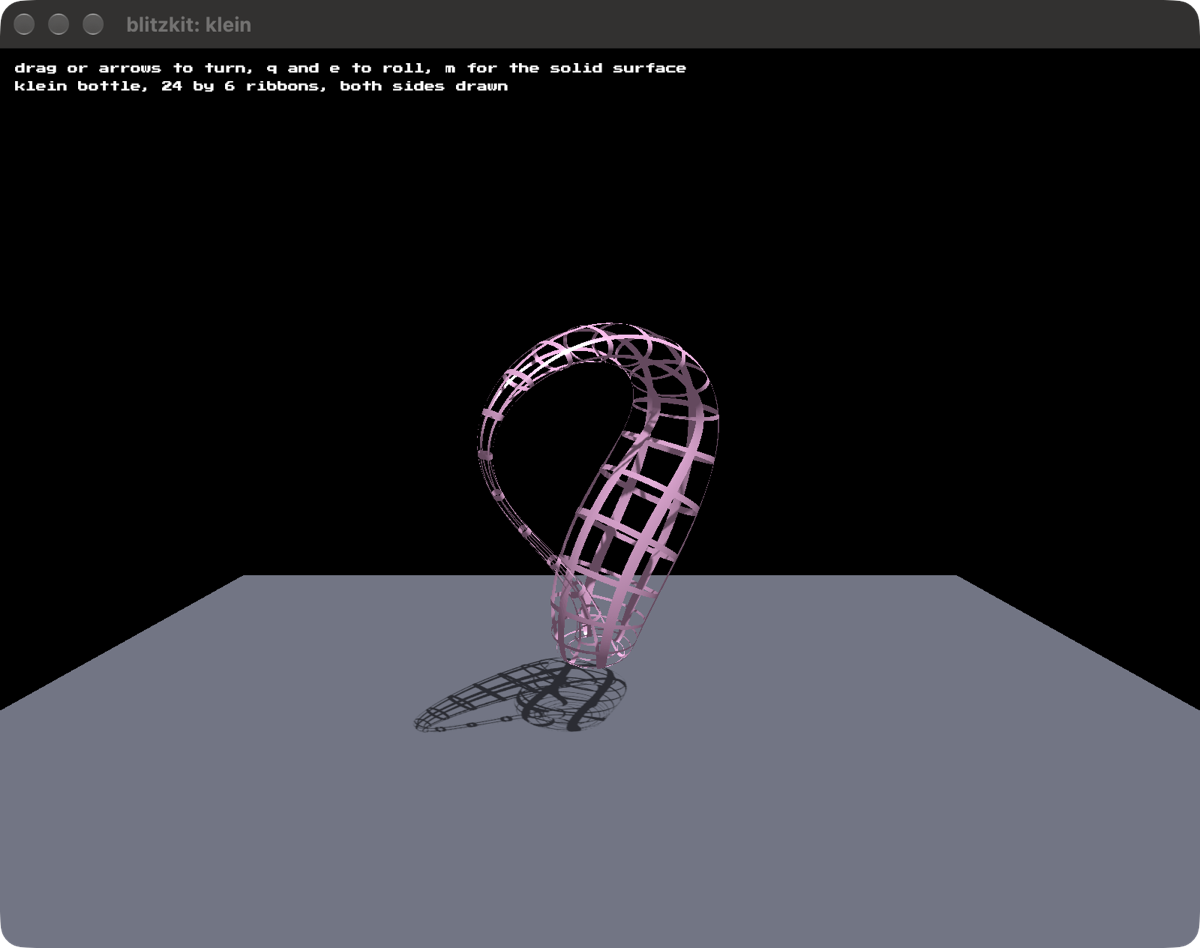
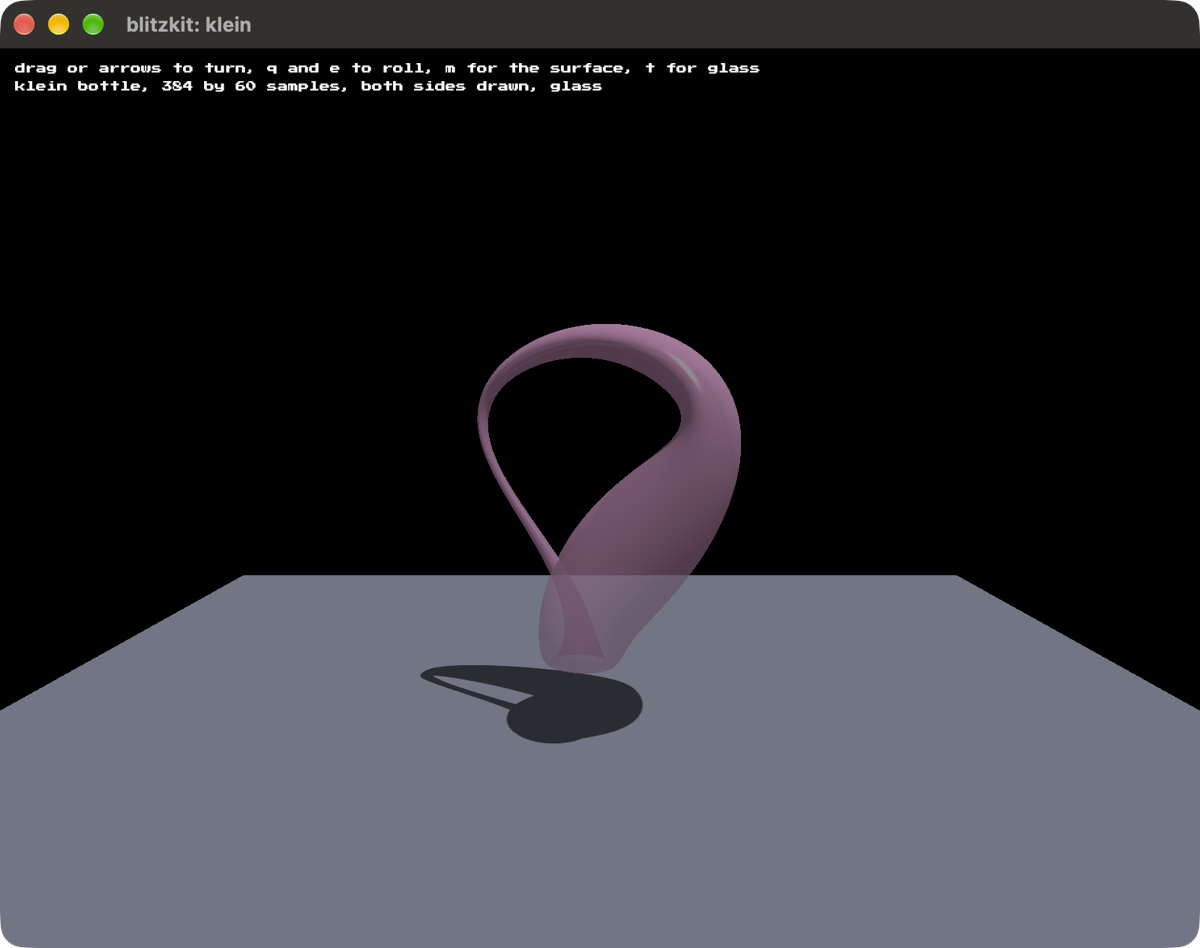
In which a Klein bottle is rendered as a wire mesh, so you can see the neck where it passes through the wall, but you can also make it solid or translucent. Parametric surfaces, and two-sided geometry because kind of the point of the thing is that it has no outer surface. It’s a 3D Möbius strip.
cargo run --release --example klein
Same controls as the teapot, plus M to swap the wire mesh for the solid surface.
tunnel #
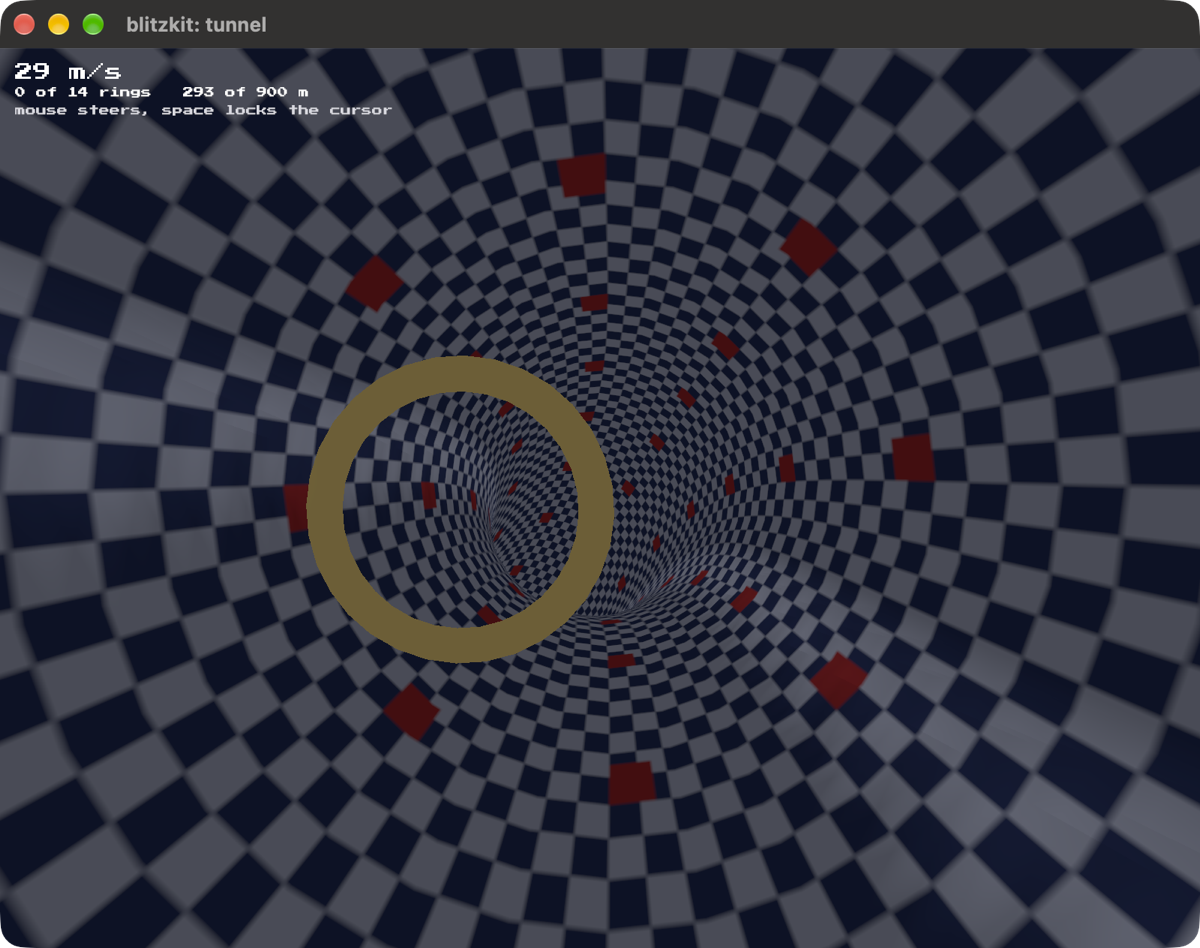
In which you soar down the inside of a meandering tunnel collecting rings. It demonstrates one of the hardest things you can ask of mipmaps: a checkered field running away to a vanishing point.
cargo run --release --example tunnel
Steer with the mouse. It flies itself, faster the further you get, and brushing the wall costs you speed.
- space locks the cursor
- R starts over
sierpinski #
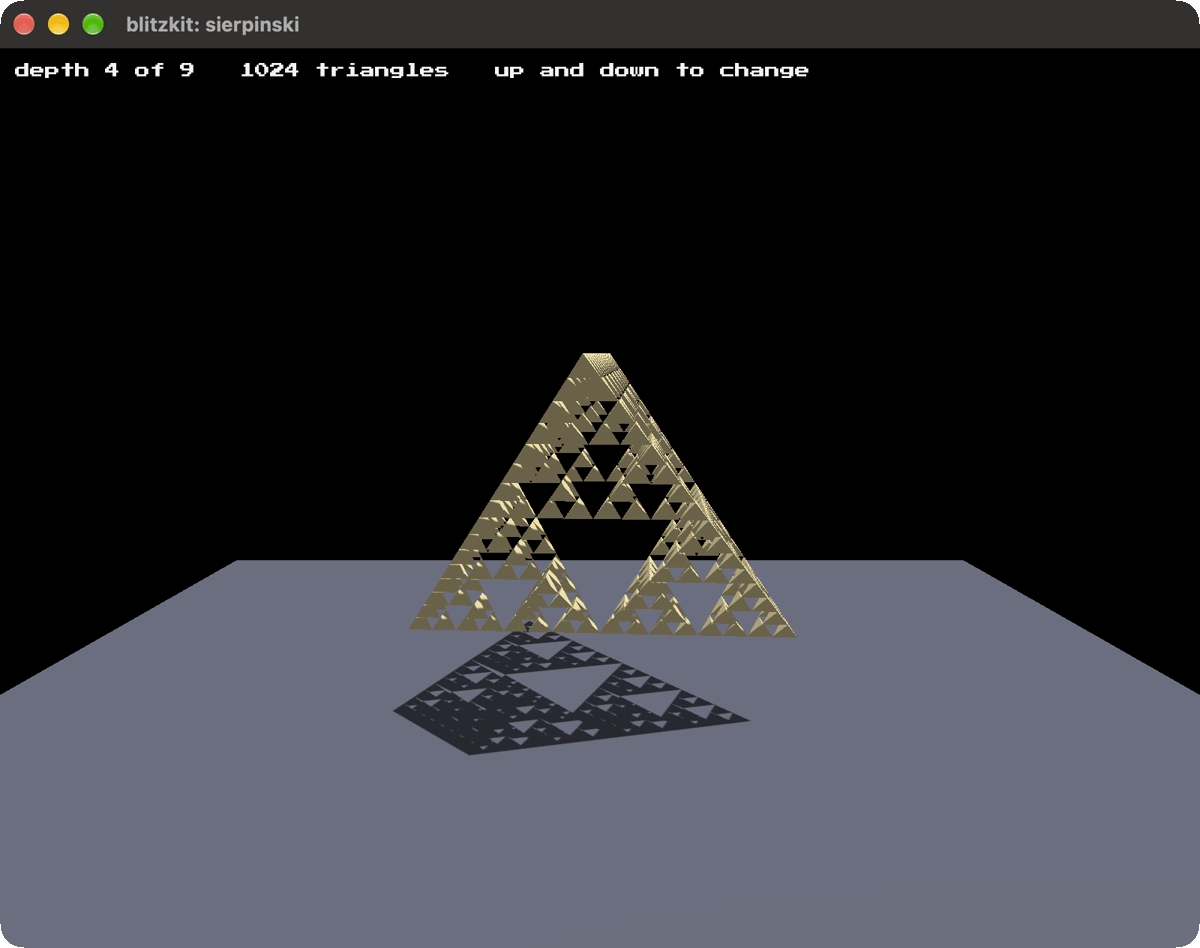
In which a tetrahedron is made of four smaller copies of itself.
cargo run --release --example sierpinski
Up and down change how deep it goes. Drag to turn it, scroll to move closer, R puts it back.
menger #
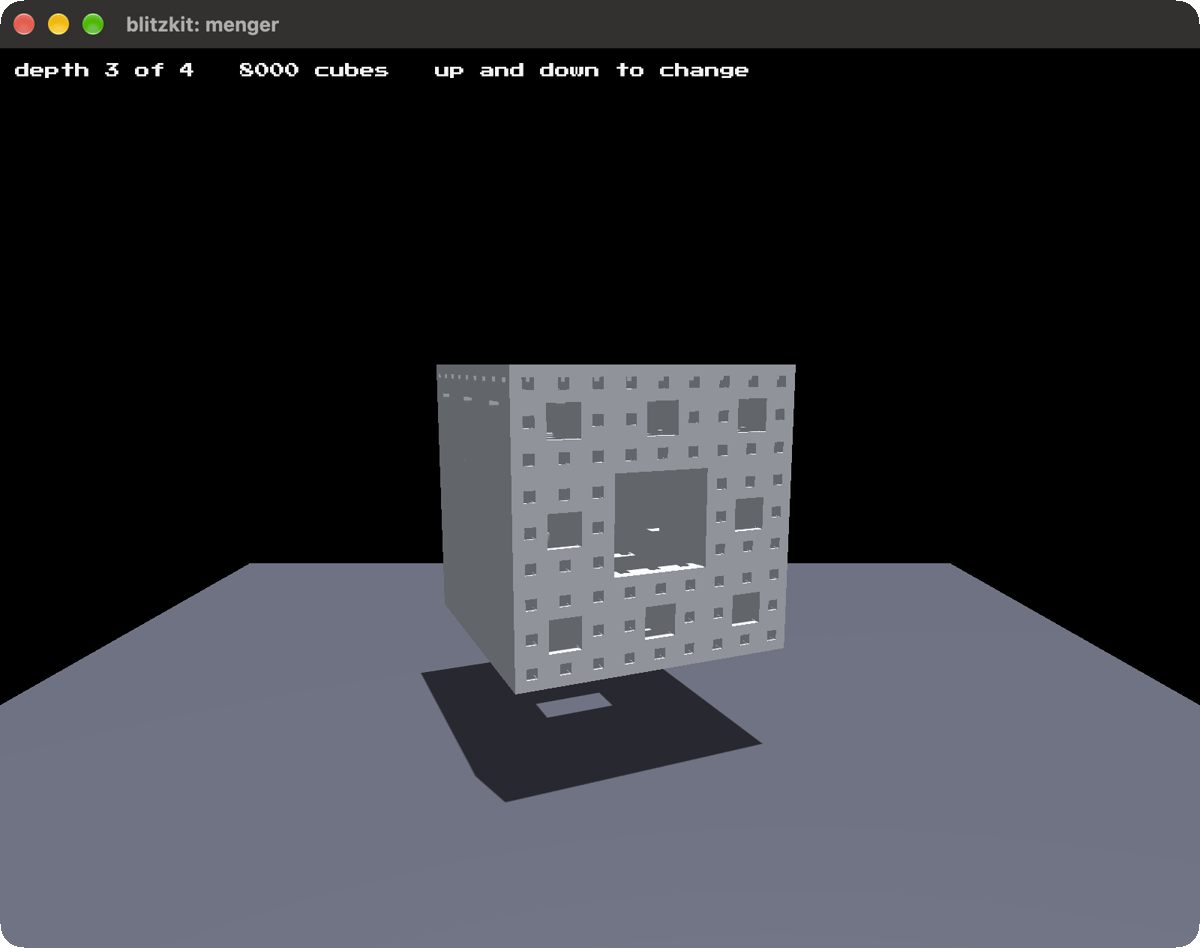
In which a cube is made of twenty smaller copies of itself.
cargo run --release --example menger
Up and down change how deep it goes. Drag to turn it, scroll to move closer, R puts it back.
hilbert #
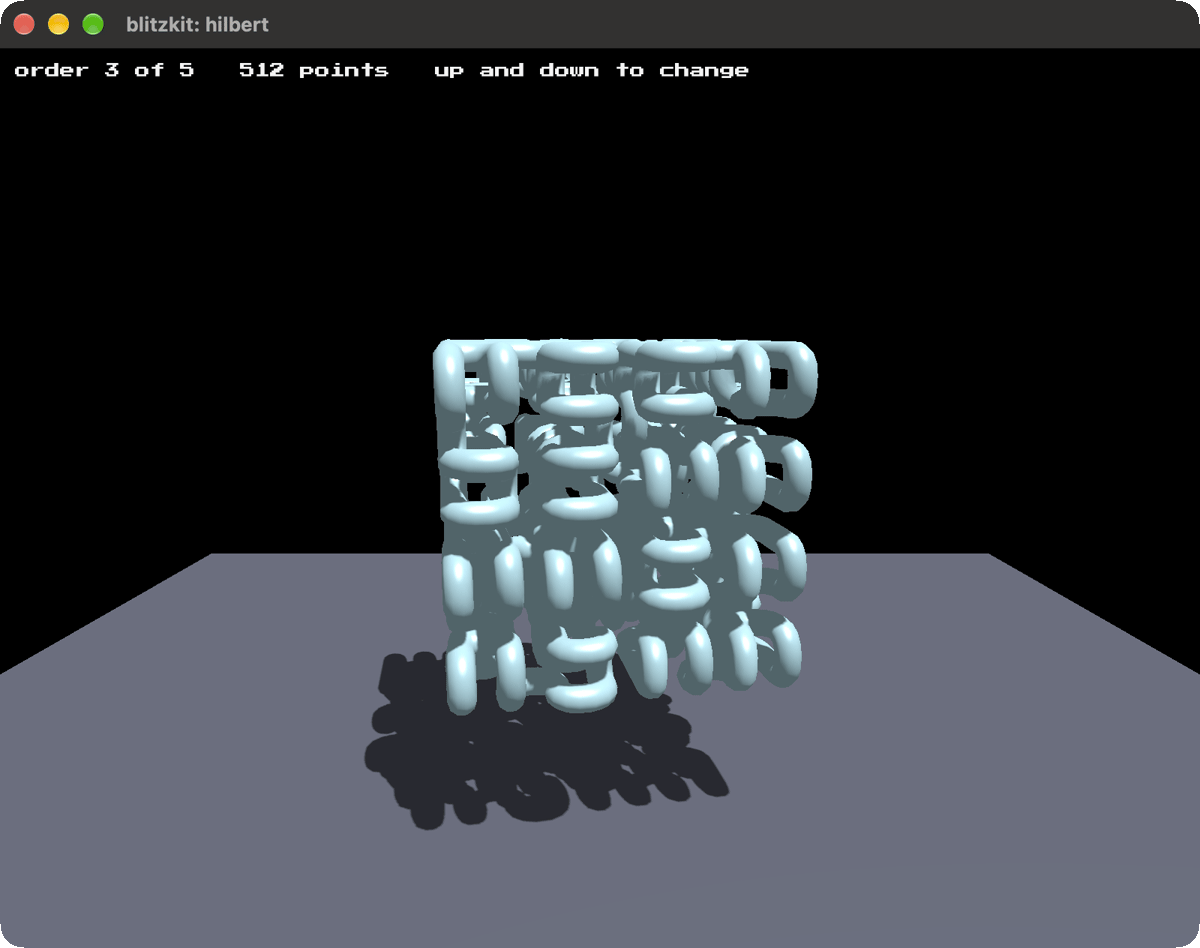
In which a single line winds through every cell of a cube without ever crossing itself.
cargo run --release --example hilbert
Up and down change how deep it goes. Drag to turn it, scroll to move closer, R puts it back.